Learning Experience Design • EdTech Strategy • Professional Learning

Designing Accessible, Engaging Digital Learning Experiences

I am an Education Technology Trainer, EdTech Strategist, and Professional Learning Specialist with over 20 years of experience designing digital learning resources and delivering high-impact training across the UK, Malaysia, Singapore, and South Korea. I combine practical pedagogy, interactive web and AI tools, and engaging video production to make complex technology simple and accessible for every learner.

2025 Global Recognition Award (Digital Learning & AI) Google Certified Innovator, Trainer & Coach Gemini Certified Educator Apple Distinguished Educator (ADE) & APLS Camtasia Certified Video Creator Microsoft Innovative Educator Expert (MIEE)

Selected Learning Experience Design Case Studies

Going beyond static slide decks: each project pairs practical pedagogy with custom interactive web resources, multimedia guides, and measurable learner feedback. Click any case study to test a live interactive component.

Interactive Learning Resource 7 Custom HTML5/JS Apps + 6 Videos

"Digital Detectives" — AI & Information Literacy Unit

Designed and built a 6-part interactive digital literacy and AI verification unit for a multi-site organisation. Created 7 standalone, zero-login HTML/CSS/JS web activities to remove login barriers and firewall bottlenecks.

  • Built an interactive AI Token Prediction & Hallucination Simulator and Fact Detective Verification Hub.
  • Produced 6 short video walkthroughs, visual infographics, and facilitator lesson plans in a 3-day sprint.
  • 100% browser-based, working offline without user accounts or personal data collection.
AI Training & Safe Adoption GDPR Guide + Hands-On Workshop

Practical AI Training & GDPR-Safe NotebookLM Workflows

Supported leadership and staff teams to overcome hesitancy and data-privacy concerns around Generative AI by designing practical, safe workflows using Google NotebookLM and Gemini.

  • Authored a clear, practical GDPR & DPIA Compliance Guide with step-by-step data redaction rules.
  • Delivered hands-on workshops showing staff how to summarize and query trusted source documents safely.
  • Saved staff 2+ hours per week in planning and resource preparation time.
Accessibility & Blended Training 5-Part Live Series + Visual Decks

Inclusive Digital Learning & Assistive Technology Series

Designed and delivered a 5-part live online training series and visual resource pack equipping educators to create inclusive, accessible digital learning experiences for neurodiverse and multilingual (EAL) learners.

  • Demonstrated built-in accessibility tools: Spoken Content, Safari Reader distraction removal, Voice Control, and translation.
  • Taught practical multi-app creative workflows (`Keynote Line Draw` → `iMovie Voiceover` → `Interactive EPUB`).
  • Supported by step-by-step visual PDF guides and recorded demonstrations.
Coaching & Impact Evaluation Interactive HTML Report + Toolkit

"Recall, Receive, Respond" — Coaching & Evaluation Model

Led a multi-site professional learning programme across partner organisations, mapping digital tools directly onto the Recall, Receive, Respond teaching framework and building an interactive web evaluation report.

  • Delivered a 3-stage coaching model: Demonstration Sessions → Collaborative Planning → Team Delivery.
  • Evaluated impact through learner and stakeholder surveys: 86–92% positive learner impact and 100% stakeholder support.
  • Identified and resolved technical configuration issues between device management systems and classroom tools.
Cross-Curricular Project Design 400+ Learners • SAMR Model

"Global GeoQuest" — Whole-Community Digital Project

Designed and coached a 5-week collaborative digital project enabling 400+ learners across 7 cohorts to create an interactive global heritage map, spreadsheet models, and short video documentaries.

  • Configured a safe "Walled Garden" Google Workspace environment with streamlined account management.
  • Combined Google Earth, My Maps polygon measurements, Sheets formulas, Sites portfolios, and Google Vids.
  • Culminated in a 200+ attendee community exhibition showcasing a live whole-community heritage map.
Digital Content & App Creation iOS / Web Apps & 360° Tours

DigiFolio & AtTech 360 — Custom Educational Apps

Creator of standalone web and mobile applications designed to simplify digital portfolio evidence capture and build immersive 360-degree virtual tour environments.

  • DigiFolio (digifolio.uk): iOS and Web digital portfolio application built leveraging Google tools.
  • AtTech 360 (attech360.co.uk): Interactive 360° virtual tour environments embedding multimedia learning prompts.
  • Designed AI-driven applications using Google Gemini models and Antigravity workflows.

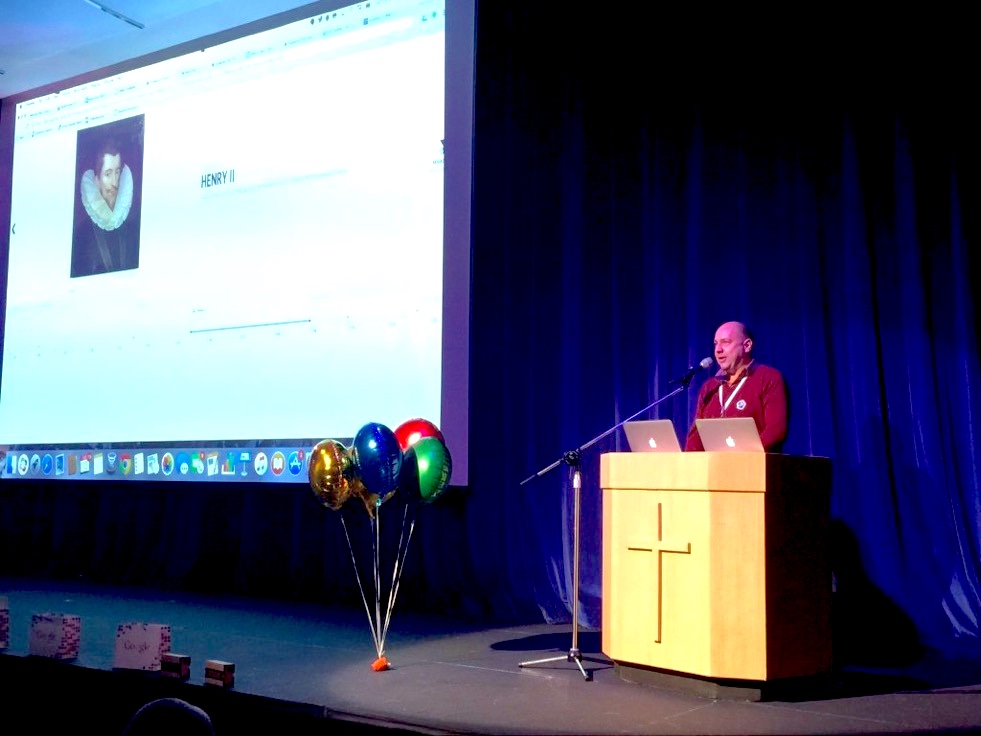
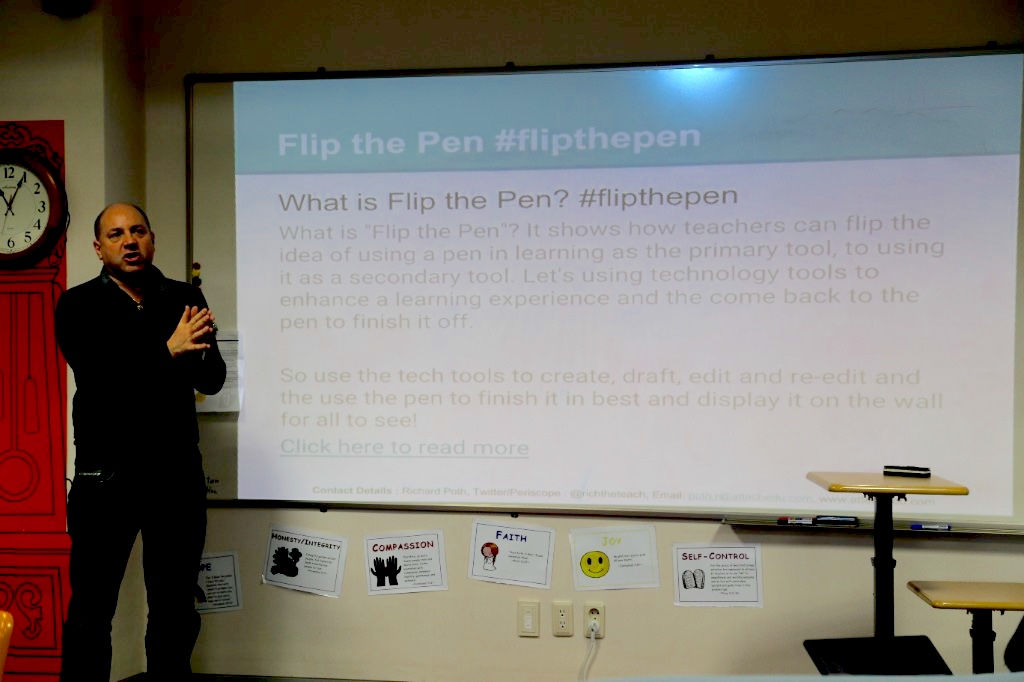
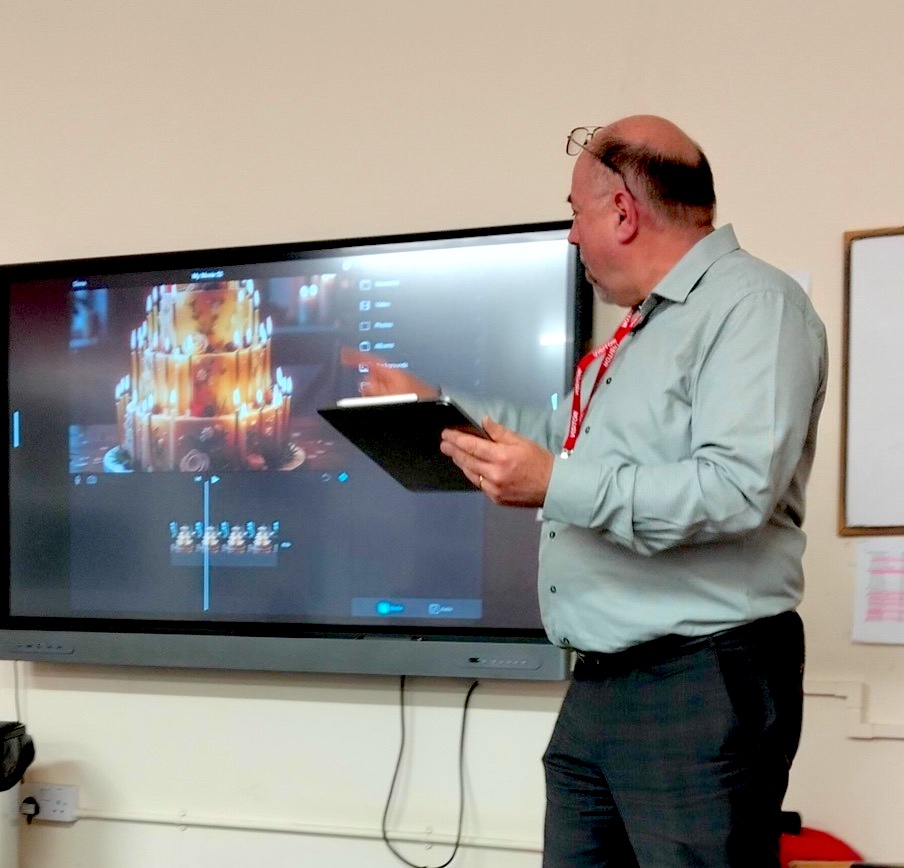
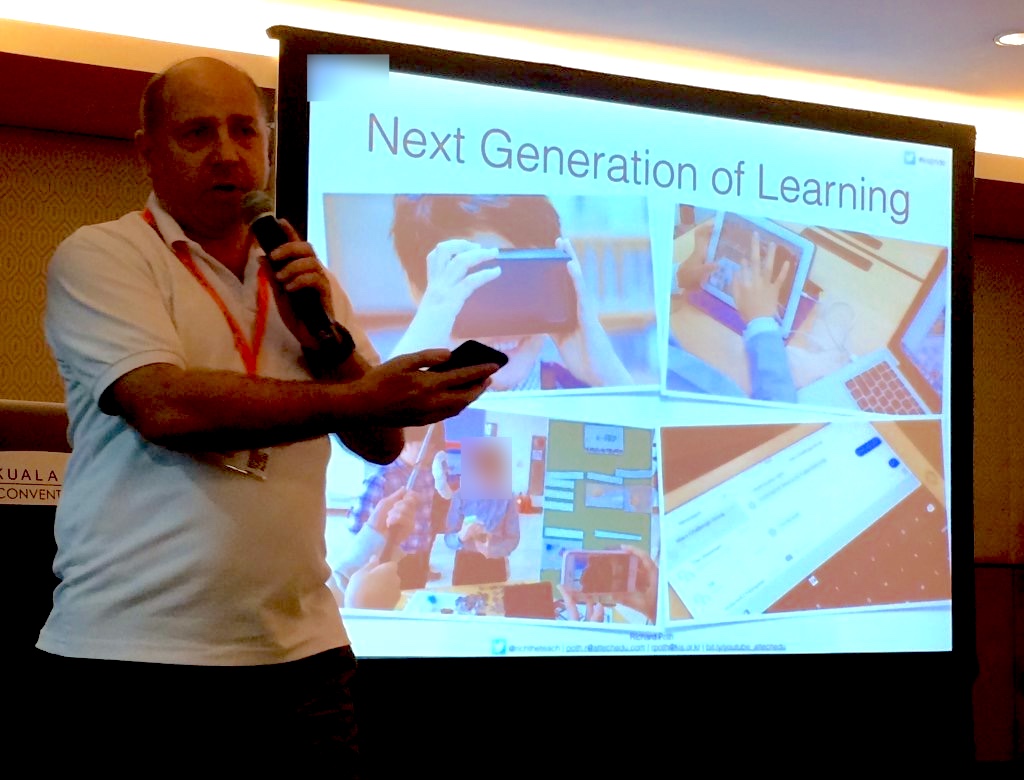
In Action: Keynotes, Workshops & Hands-On Training

Delivering high-energy international keynotes, auditorium presentations, and practical hands-on workshops across the UK, Europe, and Asia.

Video Tutorials & Live Facilitation • @mrpothy

Turning Complex Tech into Clear, Engaging Video Guides

As a Camtasia Certified creator with 20+ years in EdTech and 30+ years of live stage and production experience, I script, capture, and edit almost all tutorials on my YouTube channel (@mrpothy) in Camtasia—combining crisp screen capture, visual callouts, and AI-assisted video workflows to take the anxiety out of learning new digital tools.

Practical Micro-Learning & AI Video Workflows

Every video guide focuses on clarity and confidence: bite-sized steps, clear visual callouts, plain English without jargon, and modern AI workflows that accelerate scripting, captioning, voiceover, and video production.

Media & Design Tools Used

Camtasia (Certified), Final Cut Pro, CapCut, Adobe Creative Suite, iMovie, Google Vids, Canva, Keynote Animation, GarageBand Audio Production, HTML5/CSS/JS interactive activities, and AI platforms (Google Gemini, NotebookLM).

Series 01 • AI & Search

How Search Engines & AI Ranking Work

Visual explainer series unpacking web crawlers, search indexing, and why "top results" do not equal verified truth.

Series 02 • Generative AI

Understanding AI Prediction & Fact-Checking

Step-by-step video walkthrough showing how AI models predict words and how learners can verify facts.

Series 03 • Multi-App Workflows

Animation to Interactive Digital Books

Practical media production workflow combining Keynote animations, iMovie voiceovers, and interactive Pages EPUB books.

Series 04 • Cloud Platforms

Google Workspace & Digital Classroom Mastery

Clear video guides for asynchronous feedback, voice notes, and collaborative cloud workflows.

Web Design, Community Fundraising & Live Stage Craft

Beyond digital learning consultancy, I build web and mobile platforms through AtTech Studios, bring 30+ years of live theatrical and vocal performance to every room I lead, and actively organise charitable fundraising for my local church community.

AtTech Edu & AtTech Studios

My consultancy and digital development studio creating iOS/Android apps (DigiFolio, Score Lock) and responsive web platforms.

attechedu.com ↗ attechstudios.co.uk ↗

DigiFolio & AtTech 360

Live educational platforms for digital skills tracking, multimedia portfolios, and interactive 360-degree virtual tour environments.

digifolio.uk ↗ attech360.co.uk ↗

St Wendreda's Church 12-Hour Sing-A-Thon

Active member of my local church community in March, Cambridgeshire—co-organising and building the custom web platform for our 12-hour charity Sing-A-Thon raising funds for the Church Aid / Spire Appeal.

singathon.attechstudios.co.uk ↗

"Richard Peters" — Stage & Vocal Entertainer

Performing since 1995 (13 All England Drama Festival awards, 20+ pantomimes & musicals, and care home performances)—bringing natural stage presence, warmth, and audience connection to every workshop and keynote.

richard-peters-live.web.app ↗

How I Design & Deliver Learning Experiences

My practical 4-step process for diagnosing training needs, partnering with stakeholders, and building resources that stick.

1. Listening & Identifying Needs

I start by consulting with leaders, subject specialists, and learners to find out where people actually get stuck—whether it is confidence, workflow friction, or unclear policy guidance.

2. Choosing the Right Format

Not every challenge needs a long course. Depending on the goal, I build short video guides, interactive browser activities, visual step-by-step toolkits, or live hands-on workshops.

3. Accessible & Inclusive by Default

Shaped by years working across the UK, Malaysia, Singapore, and South Korea, I design resources that are welcoming for multilingual (EAL), neurodiverse, and tech-anxious learners.

4. Feedback & Continuous Improvement

I gather honest learner and stakeholder feedback alongside usage data to see what is working, fix technical bottlenecks, and refine the training materials over time.