🍎 AtTechEdu.com / coding • Reception to Key Stage 3

Coding Workshop & Resource Hub

Empowering educators from Reception through Key Stage 3 to teach computing with confidence, creativity, and zero fear. Access every interactive QR challenge, Keynote pupil journal, iPad app download, Everyone Can Code guide, KS3 Swift vs. Python analysis lab, and hands-on robotics activity in one standalone hub.

RP
Richard Poth — Founder & Chief Consultant, AtTech Edu Limited Apple Distinguished Educator • Apple Professional Learning Specialist • attechedu.com • mrpoth.com
Instant Classroom Access • Scan, Launch or Download

Workshop QR Challenges & Video Guides

Every interactive challenge, tutorial hub, and downloadable Keynote resource—ready to launch directly in your browser, copy to clipboard, or enlarge full-screen for classroom projection.

Complete Lower KS2 Activity Unit AtTechEdu • Scratch on iPad

Creating a Game from Scratch — Tutorials, Balloon Popping Game & Keynote Journal

A cohesive three-part classroom project: follow step-by-step tutorials in The iPad Scratch Challenge to build and play The Balloon Popping Game (using the iPad’s camera for video motion sensing), accompanied by the downloadable Keynote Reflection Journal.

⬇️ Download Keynote Journal (.key)
QR Code for The iPad Scratch Challenge Tutorials 🔍 Tap to Enlarge
Part 1 • Tutorials

The iPad Scratch Challenge

The complete step-by-step tutorial hub for building The Balloon Popping Game on iPad—including local file management with the iPadOS Files app (no logins needed).

🚀 Open Tutorials
QR Code for The Balloon Popping Game on Scratch 🔍 Tap to Enlarge
Part 2 • Live Game

The Balloon Popping Game

Try the finished Scratch game built in the tutorials! Uses the iPad’s native camera for video motion sensing so pupils pop virtual balloons physically on screen.

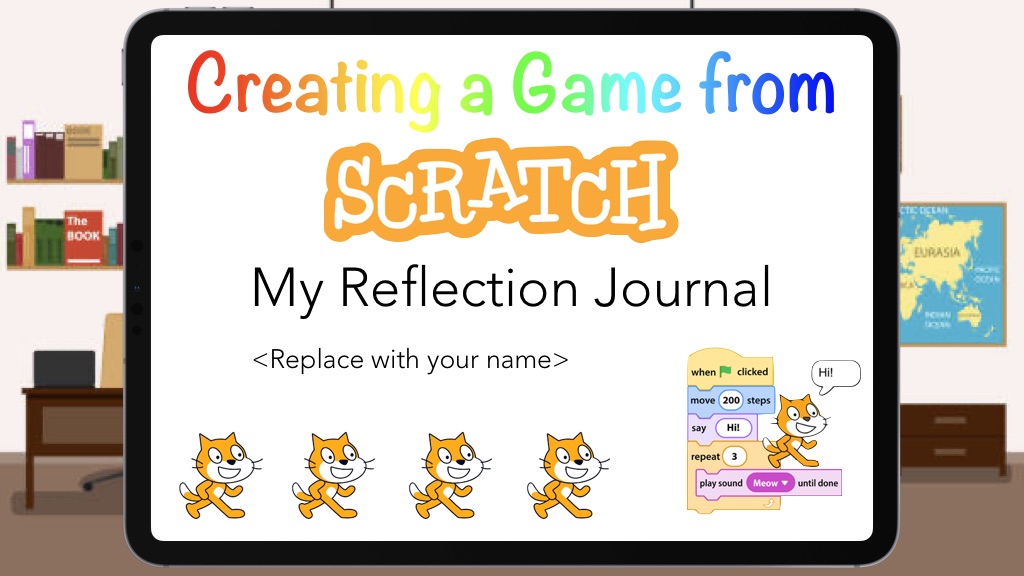
Creating a Game from Scratch — My Reflection Journal Keynote Cover
Part 3 • Apple Keynote (.key)

Creating a Game from Scratch — Reflection Journal

Downloadable Apple Keynote workbook (Creating a Game from Scratch.key) that accompanies the Scratch Challenge and Balloon Popping Game for pupil reflection and evidence.

QR Code for Coding Apps for Primary YouTube Video 🔍 Tap to Enlarge
Rec / KS1 & KS2 Video Guide

Coding Apps for Primary (ScratchJr & Lightbot)

Classroom video walkthrough demonstrating how ScratchJr and Lightbot transition pupils from early visual storytelling to procedural problem-solving.
▶️ Watch on YouTube
QR Code for Create a Jenga Game in Reality Composer 🔍 Tap to Enlarge
AR / VR Horizon Credited to Paul Hamilton

Create a Jenga Game in Reality Composer

Step-by-step video tutorial (credited to Paul Hamilton) showing pupils how to build an interactive 3D physics-enabled Jenga tower in Augmented Reality on iPad.

▶️ Watch Tutorial
QR Code for AR Galleries in Reality Composer 🔍 Tap to Enlarge
AR / VR Horizon Video Tutorial

AR Galleries in Reality Composer

Learn how pupils can curate and walk through interactive 3D Augmented Reality galleries and virtual exhibitions in the classroom using Apple’s Reality Composer on iPad.

▶️ Watch Tutorial
iPadOS App Store, Web Apps, Keynote & Apple Books • Reception to Year 6

Apps & Curriculum Books to Download

Filter the primary coding toolkit by Key Stage or technology area. Every card includes verified download links and an instant QR code for installing onto classroom iPads.

ScratchJr Icon
Early Years (Rec / KS1)

ScratchJr

Scratch Foundation, Inc. • Free iPad App

Graphical programming blocks designed for young children (ages 5–7) to make characters move, jump, dance, and sing.

“Acts as a digital canvas for interactive storytelling, seamlessly marrying early computing with literacy and sequencing.”
Bee-Bot App Icon
Early Years (Rec / KS1)

Bee-Bot

TTS Group Limited • Free iPad App

Digital companion to the popular classroom floor robot. Builds directional language, forwards/backwards estimation, and 90-degree turns.

“Key Focus: Directional algorithms, gamified failure, and spatial resilience.”
 App Store
Code Karts Icon
Early Years (Rec / KS1)

Code Karts: Pre-coding Logic

Edoki Academy • iPad App

Pre-coding logic puzzles in a raceway format where young learners sequence directional bricks to guide their race car to the finish line.

“Requires students to repeatedly crash the car to figure out the right path—building immense patience and perseverance.”
 App Store
Code Cards Icon
Early Years & Unplugged

Code Cards & Tangible Logic

Physical / Unplugged Classroom Toolkit

Before touching a screen, pupils lay out physical command cards and use imperative verbs (Get, Put, Move, Stop) to plan and debug sequences on the desk.

“Cognitive Phase: Sensorimotor Abstraction (Touch & Visual).”
🐱
Lower KS2 (Years 3 & 4)

Scratch on iPad (Web + Files)

MIT Media Lab / Scratch Foundation • Safari on iPad

Run Scratch directly in Safari on iPad. Use Video Sensing with the iPad camera and save/load .sb3 files directly to the iPadOS Files app—no student web logins required!

“Moving beyond basic steps to package repeated actions into reusable ‘procedures’ (subroutines) to save space.”
Creating a Game from Scratch Keynote Cover
Lower KS2 • Keynote (.key)

Creating a Game from Scratch

AtTechEdu • My Reflection Journal

Downloadable Apple Keynote reflection journal (Creating a Game from Scratch.key) designed to accompany The iPad Scratch Challenge tutorials and The Balloon Popping Game.

Lightbot Icon
Lower KS2 (Years 3 & 4)

Lightbot: Code Hour

Lightbot Inc. • Programming Puzzles

Spatial 3D grid puzzle game where pupils guide a robot to light up blue tiles using sequential commands, loops, and P1/P2 subroutines.

“Key Focus: Loops, events, subroutines, and precise execution.”
Swift Playgrounds Icon
Upper KS2 (Years 5 & 6)

Swift Playgrounds

Apple Inc. • Free for iPad & Mac

Apple’s flagship app for learning real Swift syntax. Guide Byte through 3D worlds using commands like moveForward() and collectGem(), then progress to building real apps in App Playgrounds.

“Cognitive Phase: Complex Logic (Syntax & Text-Based) — Conditionals, variables, authentic application design.”
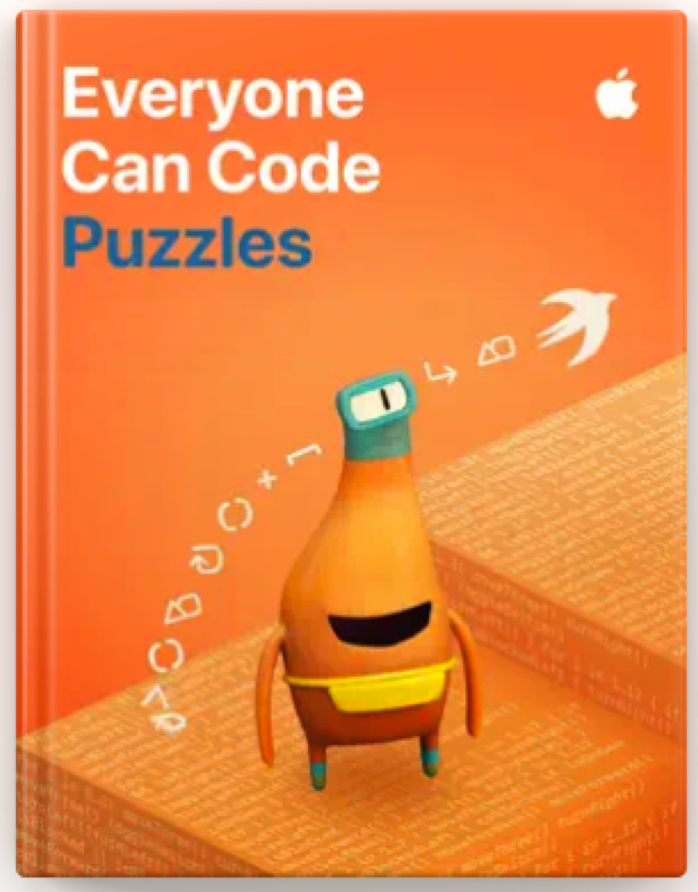
Everyone Can Code Puzzles Cover
Upper KS2 • Apple Books

Everyone Can Code Puzzles

Apple Education • Free Student Book

Official Apple Education interactive student guide on Apple Books. Over 40 hours of flexible activities introducing commands, functions, loops, conditionals, and variables alongside Swift Playgrounds.

📖 Apple Books
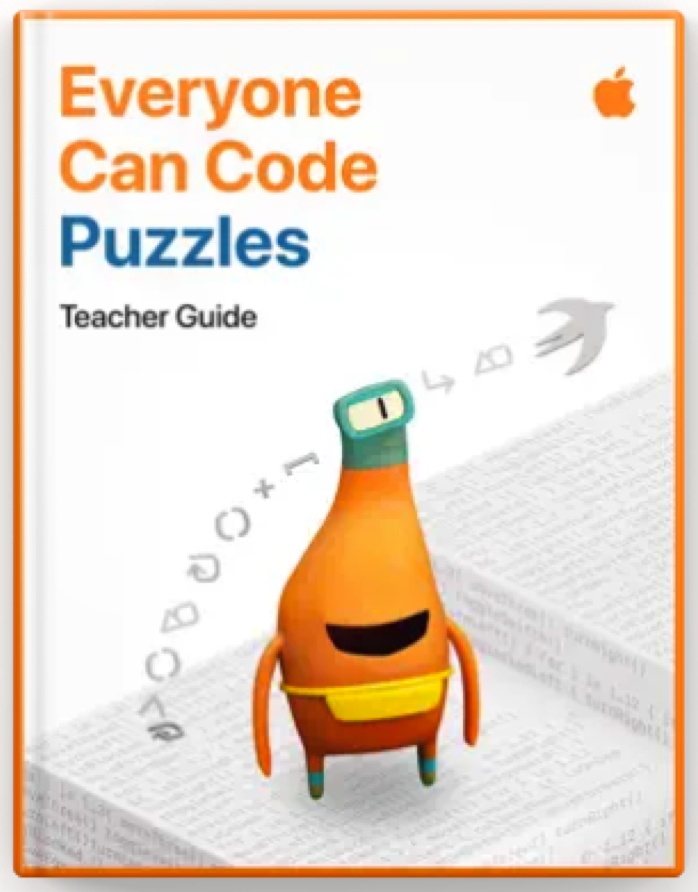
Everyone Can Code Puzzles Teacher Guide Cover
Educator Guide • Apple Books

Everyone Can Code Puzzles Teacher Guide

Apple Education • Lesson Plans & Solutions

Companion educator guide on Apple Books with pacing strategies, unplugged hooks, puzzle solutions, and assessment rubrics so any teacher can deliver Swift Playgrounds with confidence.

Reality Composer Icon
AR / VR Horizon

Reality Composer

Apple Inc. • Augmented Reality Creation

Build interactive Augmented Reality experiences directly on iPad with built-in 3D shapes, behaviours, physics collisions (AR Jenga), and virtual exhibition galleries.

“Expanding Horizons: Interactive Augmented Reality for immersive storytelling.”
🚀
AR / VR Horizon

Delightex Edu (CoSpaces)

Delightex GmbH • 3D & AR/VR Coding

Kid-friendly 3D creation and block-coding platform (formerly CoSpaces Edu) that lets pupils build interactive virtual worlds and view them in AR and VR.

“Harnessing the worlds kids already build (like Roblox) using Delightex Edu and Reality Composer for immersive storytelling.”
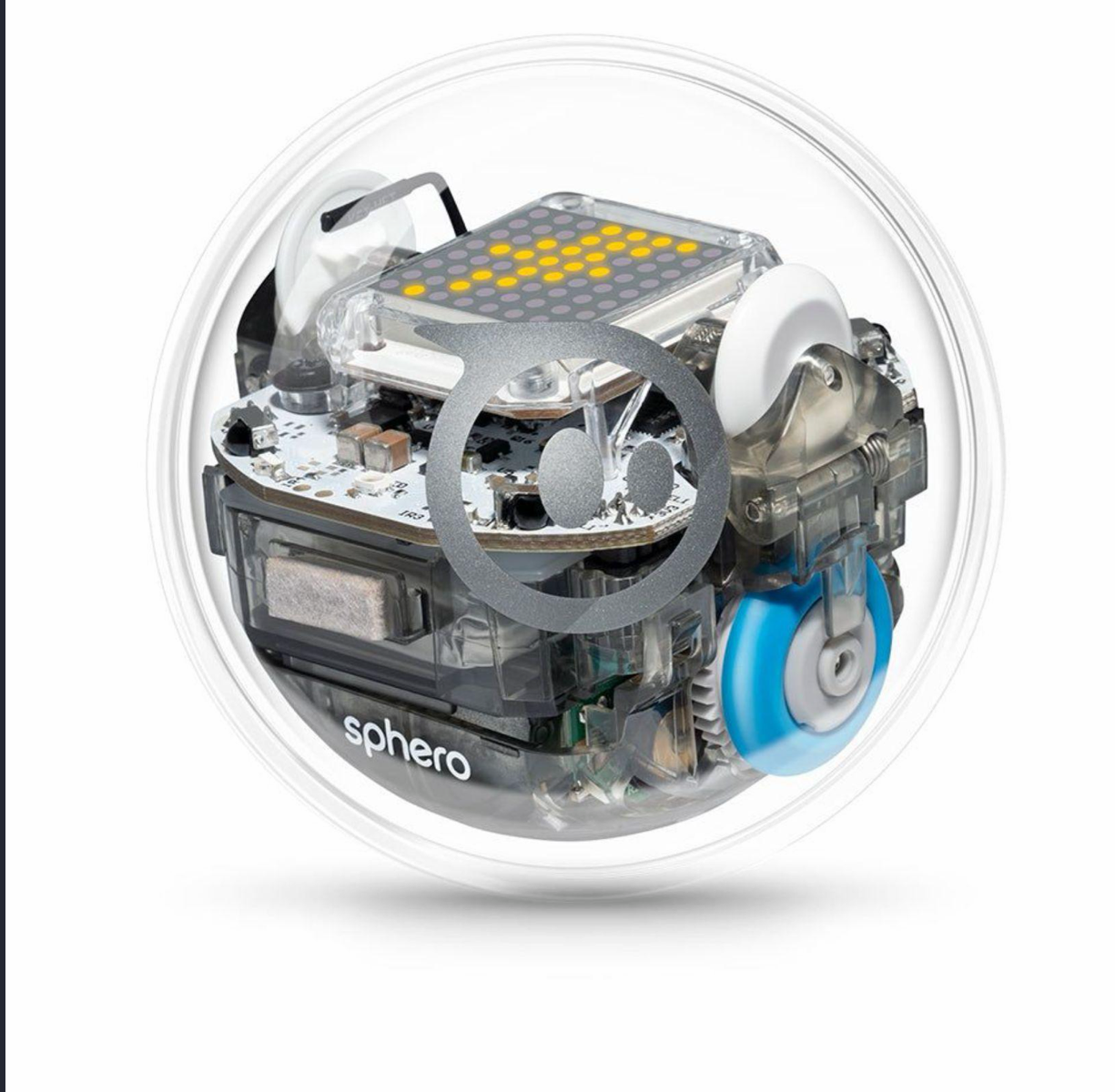
Sphero BOLT Robot
Physical Coding

Sphero Edu (for BOLT)

Sphero, Inc. • Free iPad & Web App

Connect to Sphero BOLT over Bluetooth to program movement, speed, heading angles ($0^\circ\text{–}359^\circ$), the $8\times8$ LED Matrix, and infrared/light sensors using Draw, Block Code, or Text.

“Meet BOLT — A programmable robot that makes computational thinking visible.”
Pedagogical Progression • Reception to Key Stage 3

Scaling Complexity Across the Curriculum

From screen-free imperative verbs with Al the Gorilla and Jam Sandwich Debugging to drag-and-drop subroutines, real Swift syntax, and Key Stage 3 comparative analysis between Swift and Python.

Early Years

Reception & Key Stage 1
Cognitive Phase

Sensorimotor Abstraction (Touch & Visual)

Key Focus

Directional algorithms, gamified failure, patience & resilience.

Classroom Toolkit

ScratchJr, Bee-Bot, Code Karts, Code Cards.

Lower KS2

Years 3 & 4
Cognitive Phase

Spatial Problem Solving (Drag & Drop Logic)

Key Focus

Loops, events, subroutines (reusable procedures), precise execution.

Classroom Toolkit

Scratch on iPad (Balloon Popping Game + Keynote Reflection Journal), Lightbot.

Upper KS2

Years 5 & 6
Cognitive Phase

Complex Logic (Syntax & Text-Based)

Key Focus

Conditionals (if-then), variables, authentic application design.

Classroom Toolkit

Swift Playgrounds, Everyone Can Code Puzzles, App Playgrounds.

Key Stage 3

Years 7, 8 & 9
Cognitive Phase

Comparative Syntax & Critical Analysis (Multi-Language)

Key Focus

Building identical programs in Swift and Python to evaluate syntax, type safety, control flow, and design trade-offs.

Classroom Toolkit

Swift Playgrounds + Python (Side-by-Side Comparative Coding).

Primary Interactive Demo

Building Logic Without a Screen → Swift Commands

Meet Al the Gorilla! In Early Years & KS1, pupils discover that computers have zero common sense (through Jam Sandwich Debugging, story sequence debugging, or Blindfolded Navigation). Every algorithm starts with precise Imperative Verbs (Get, Put, Move, Stop)—which map directly to Byte’s Swift commands in Upper KS2!

Tap commands below to build an algorithm for Al / Byte to collect the gem (💎) at tile 4:
PUZZLE WORLD: ISSUING COMMANDS Goal: Move 3 steps & Collect Gem
🦍
▫️
▫️
💎
🏁
// Tap commands to queue your algorithm...
Key Stage 3 Progression (Years 7–9) • Multi-Language Critical Thinking

KS3 Interactive Lab: Swift Playgrounds vs. Python

In Key Stage 3, Swift Playgrounds acts as a natural bridge into Python. When students build the same short programme in both Swift and Python and analyse how each language handles variables, loops, conditionals, and functions, they move from memorising syntax to genuine critical thinking and computational analysis.

Interactive Dual-Language Generator National Curriculum KS3 Alignment

Build, Run & Compare: Choose a Coding Concept

💡 Edit the values above to see both programmes update live!
🐦 Swift (Swift Playgrounds)

            
🐍 Python (KS3 Text Coding)

            
🖥️ Shared Terminal / Console Output (Identical Result from Both Languages) Ready • Live Output


🧠 KS3 Critical Thinking & Comparative Analysis Prompts (Tap any card to reveal analysis)

Use as a plenary or paired discussion task

1. Constants & Type Safety

Why does Swift use let and var with explicit types (Int, String), while Python assigns variables without keywords?

🔍 Tap to toggle critical analysis
Swift is statically typed: the compiler catches type mistakes before the app runs, preventing crashes. Python is dynamically typed: faster and shorter to write for quick prototypes, but type errors only appear at runtime.

2. Code Blocks: Braces vs. Indentation

How do Swift’s curly braces { } compare with Python’s colons : and mandatory indentation?

🔍 Tap to toggle critical analysis
Python forces clean visual indentation as part of the syntax—if a line isn’t indented, the program fails. Swift uses { } to define scope explicitly, making it easier to see where deeply nested blocks end.

3. Loop Boundaries & Off-By-One Bugs

To count from 1 to 4, Swift writes 1...4 whereas Python writes range(1, 5). Which is clearer and why?

🔍 Tap to toggle critical analysis
Swift’s closed range 1...4 is inclusive (what you read is what you get), reducing off-by-one bugs for beginners. Python’s range(start, stop) excludes the stop value to align with zero-indexed array slicing.

4. Choosing the Right Tool

If both languages produce the exact same console output, why do software engineers learn both?

🔍 Tap to toggle critical analysis
Swift compiles to high-performance native code for iOS/iPadOS apps, SwiftUI interfaces, and AR experiences. Python excels in data science, AI/machine learning, cybersecurity, and rapid automation scripts.
Physical Computing • 30-Minute Hands-On Experience

Code It. Drive It. Solve It.

Coding doesn’t have to stay on the screen. When code controls something you can see, test, and physically move, pupils get immediate feedback, tangible problem-solving, and natural links between maths and computing.

1. PLAN Measure & predict
2. CODE Write instructions
3. MOVE & TEST Observe what happens
4. DEBUG Find what to fix
5. IMPROVE Refine & simplify

✅ Setup Checklist: Let’s Get Ready to Roll

30-Min Challenge Timer
30:00
0°
Mission 02 Heading Explorer
Test BOLT roll headings ($0^\circ$ Forward, $90^\circ$ Right, $180^\circ$ Reverse, $270^\circ$ Left):

🎯 The Challenge: Program BOLT from START to TARGET without crossing the boundary

Tap a mission card as your team completes it!
✓

Mission 01

MAKE IT MOVE

Get BOLT to travel from START to TARGET using block commands.

✓

Mission 02

MAKE IT PRECISE

Use measured distances, speed, duration, and heading angles ($0^\circ\text{–}359^\circ$) to navigate the route accurately.

✓

Mission 03

IMPROVE IT

Can you make your solution shorter, simpler, or more reliable? Compare solutions—don’t just celebrate the first success.

✓

Mission 04

DEBUG IT

Swap with another team and test their program. Can you find something to improve? Getting it wrong is part of programming.

✓

Extension A • Output

COMMUNICATE

START → “GO” LED matrix visual; MOVING → changing light; TARGET → success symbol + sound from connected iPad.

✓

Extension B • Input → Decision

RESPOND

Choose one simple sensor condition: IF this happens → DO that (change LED Matrix, lights, or trigger a sound).

You’ve Just Been Doing More Than Coding — Cross-Curricular Connections:

“The activity is simple. The learning underneath it isn’t.”

Computing

Algorithms, sequencing, testing, and debugging

Maths

Angles, distance, measurement, and spatial reasoning

Engineering

Design, test, refine, and improve

Problem Solving

Break a complex challenge into smaller steps

Collaboration

Communicate, predict, test, and explain

Essential Bookmarks & Educator Portals

Referenced Websites & Curriculum Links

All web portals, curriculum hubs, and educator resources for ongoing primary coding support.

Main Website • AtTech Edu Limited

AtTechEdu Official Website (attechedu.com)

Return to the main AtTech Edu Limited website for EdTech consultancy, school digital strategy, CPD workshops, AI in education, AtTech Studios, and 360° virtual tours.

https://attechedu.com
Workshop Lead • AtTechEdu

Mr Poth (mrpoth.com)

Richard Poth’s primary computing hub, classroom coding challenges, iPad workflows, and Apple Professional Learning resources.

https://mrpoth.com
AtTechEdu Curriculum

AtTechEdu — The iPad Scratch Challenge

Step-by-step tutorials for building The Balloon Popping Game on iPad using local Files app storage and camera sensing.

sites.google.com/attechedu.com/attecheducurriculumlessons
Apple Education

Apple Education Community & Everyone Can Code

Official Apple Professional Learning hub for Swift Playgrounds, Everyone Can Code Puzzles, and free Apple Teacher resources.

https://education.apple.com
Physical Computing

Sphero Central — BOLT Resources & Activities

Explore official Sphero BOLT lessons, programmable guides, and challenges across computing, maths, geometry, science, and engineering.

https://edu.sphero.com/edurobots?robot=BOLT

Resource QR Code

Scannable QR Code

🚀 Open Link
Link copied to clipboard!